
How Do You Check Your License Status? Everything You Need to Know
Many drivers want to know how do you check your license status to confirm that their driving licence is valid, view their driving record, check penalty points, or verify their driving entitlement.
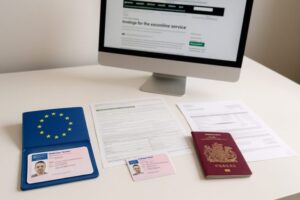
The Driver and Vehicle Licensing Agency (DVLA) provides online services that allow drivers in England, Scotland, and Wales to securely access their driving licence information. Whether you recently applied for a licence, received penalty points, renewed your photocard, or simply want to confirm your details, checking your licence status online is quick and convenient.
This guide explains how to check your driving licence status, what information you can view, what details you need, and why regularly checking your licence information is important.
What Does Driving Licence Status Mean?
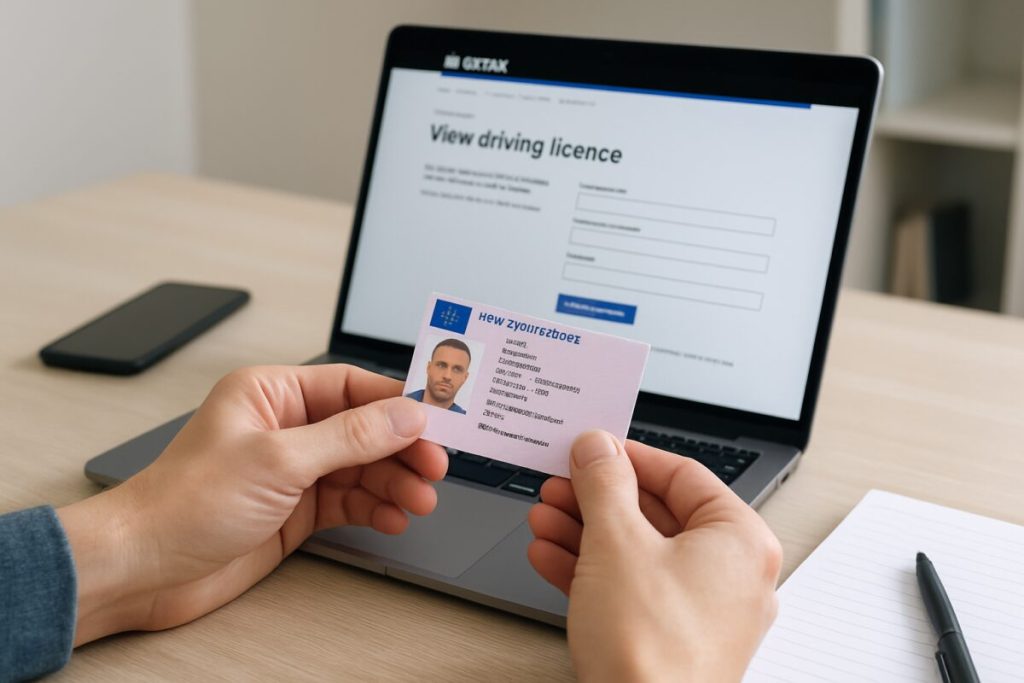
Your driving licence status shows whether you are currently authorised to drive and provides important details about your driving record.
When you check your licence status, you can confirm information such as:
- Whether your driving licence is valid.
- The vehicles you are allowed to drive.
- Your licence categories and restrictions.
- Your penalty points and endorsements.
- Any driving disqualifications.
- Your licence expiry details.
Keeping track of your driving licence status helps ensure your records are accurate and that you remain legally entitled to drive.
Why Should You Check Your Driving Licence Status?
There are several reasons why checking your licence status is useful.
Confirm Your Driving Entitlement
Before driving a vehicle, especially one you have not driven before, checking your licence status helps confirm that you have the correct vehicle category entitlement.
For example, you may want to verify whether your licence allows you to drive:
- Cars.
- Motorcycles.
- Vans.
- Larger vehicles.
- Other vehicle categories.
Check Your Penalty Points
Penalty points can affect your ability to drive and may influence insurance costs.
By checking your licence status, you can review:
- Current penalty points.
- Endorsements.
- Offence details.
- Expiry dates for points.
Prepare for Employment Checks
Many employers require drivers to provide proof of their driving history before allowing them to operate company vehicles.
Jobs that may require licence checks include:
- Delivery drivers.
- Taxi drivers.
- Fleet drivers.
- Commercial drivers.
The DVLA allows drivers to create a licence check code that can be shared securely with authorised organisations.
How Do You Check Your License Status Online?
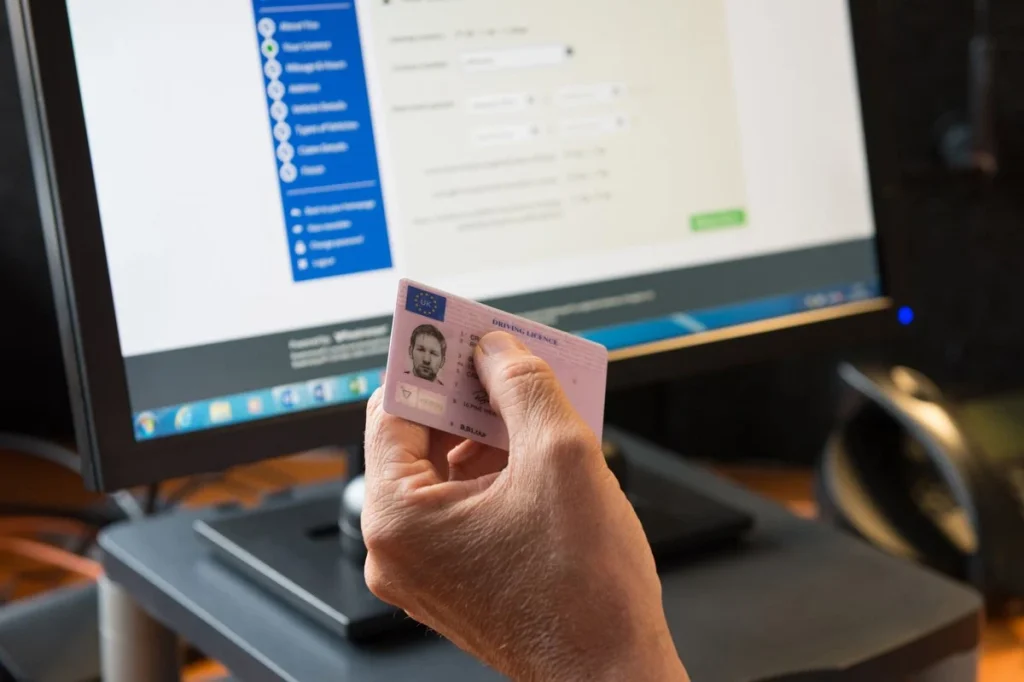
The easiest way to check your licence status is by using the DVLA online service.
Follow these steps:
Step 1: Access the DVLA Online Service
Use the official DVLA service to view your driving licence information.
The online service allows you to view your driving record and check important licence details.
Step 2: Provide Your Information
You will usually need:
- Your driving licence number.
- Your National Insurance number.
- The postcode shown on your driving licence.
These details help verify your identity and protect your personal information.
Step 3: View Your Driving Record
After verification, you can access your driving information, including:
- Licence status.
- Vehicle categories.
- Penalty points.
- Endorsements.
- Driving restrictions.
What Information Can You See When Checking Your Licence Status?
The DVLA online service provides access to important driving information.
Licence Details
You can view:
- Your current licence status.
- Licence validity.
- Driving categories.
- Restrictions or conditions.
Driving History
Your driving record may show:
- Penalty points.
- Endorsements.
- Driving offences.
- Disqualification information.
Licence Sharing Information
If you need to provide proof of your driving record, you can generate a DVLA check code.
This code allows organisations such as employers or car hire companies to verify your driving information with your permission. A check code is valid for 21 days.
How to Check Someone Else’s Driving Licence Status
Sometimes businesses or organisations need to check another person’s driving record.
For example:
- Employers checking company drivers.
- Car rental companies verifying customers.
- Insurance providers reviewing driving information.
To check someone else’s driving information, you need:
- Permission from the driver.
- The last eight characters of their driving licence number.
- A valid DVLA check code provided by the driver.
The DVLA states that obtaining another person’s driving information without permission is illegal.
How to Check a New Driving Licence Application Status
If you recently applied for a new licence, replacement licence, or renewal, you may want to track your application.
Online applications can be tracked using DVLA services if you have the required application reference details.
You may check:
- Whether your application has been received.
- Whether it is being processed.
- Whether your licence has been issued.
Common Reasons to Check Your Licence Status
Drivers commonly check their licence status after:
Passing a Driving Test
After passing your practical driving test, you may want to confirm that your full licence has been processed.
Moving House
If you change address, checking your licence details helps ensure your information has been updated correctly.
Renewing Your Photocard
After renewing your driving licence, checking your status confirms that your new details are recorded.
Receiving Penalty Points
If you receive a driving endorsement, checking your record helps you understand how it affects your licence.
Benefits of Checking Your Driving Licence Online
Using the online DVLA service offers several advantages.
Fast Access
You can view your driving information without waiting for postal documents.
Accurate Information
Your details come directly from official DVLA records.
Convenient
You can check your licence information whenever you need it.
Secure
Identity verification helps protect your personal information.
Common Mistakes When Checking Licence Status
Avoid these common problems:
Entering Incorrect Information
Make sure your:
- Licence number.
- National Insurance number.
- Postcode.
match the information held by DVLA.
Using Unofficial Websites
Be careful when searching online for licence checks. Some websites may look official but charge unnecessary fees or collect personal information.
Always verify that you are using a trusted DVLA service.
Forgetting to Update Your Details
Your licence information should always be current.
Remember to update:
- Address.
- Name.
- Photograph when required.
Frequently Asked Questions
How do you check your license status online?
You can check your licence status online through the DVLA service by providing your driving licence number, National Insurance number, and postcode.
Can I check if my driving licence is valid?
Yes. The DVLA online service allows you to view your driving record and confirm your licence information.
Can I check my penalty points online?
Yes. Your driving record can show penalty points and endorsements associated with your licence.
How long does a DVLA check code last?
A DVLA licence check code is valid for 21 days and can be used by authorised organisations to verify your driving record.
Can someone check my driving licence without permission?
No. Accessing another person’s driving information without their permission is illegal.
Final Thoughts
Knowing how do you check your license status is important for every UK driver. Whether you want to confirm your licence is valid, review penalty points, check vehicle categories, or provide proof of your driving record, the DVLA online service makes the process simple and secure.
Regularly reviewing your driving licence information helps you stay informed, avoid unexpected issues, and ensure your details remain accurate. Whether you are a new learner driver or an experienced motorist, keeping track of your licence status is an important part of responsible driving.